Templates promise speed. They often deliver a different kind of mess: dozens of near-identical files, and nobody sure which one to open. The team duplicates “that file from last module,” nudges a margin — and after three cohorts the language has drifted. This is not an essay on why a system needs templates. It is about building a small library the team actually opens on deadline.
The roles on the page already have to exist. Otherwise you are scaling empty boxes. What follows is an inventory of jobs, a tighter set, a list of what must not change, and a naming rule people can follow.
Inventory the patterns you already repeat
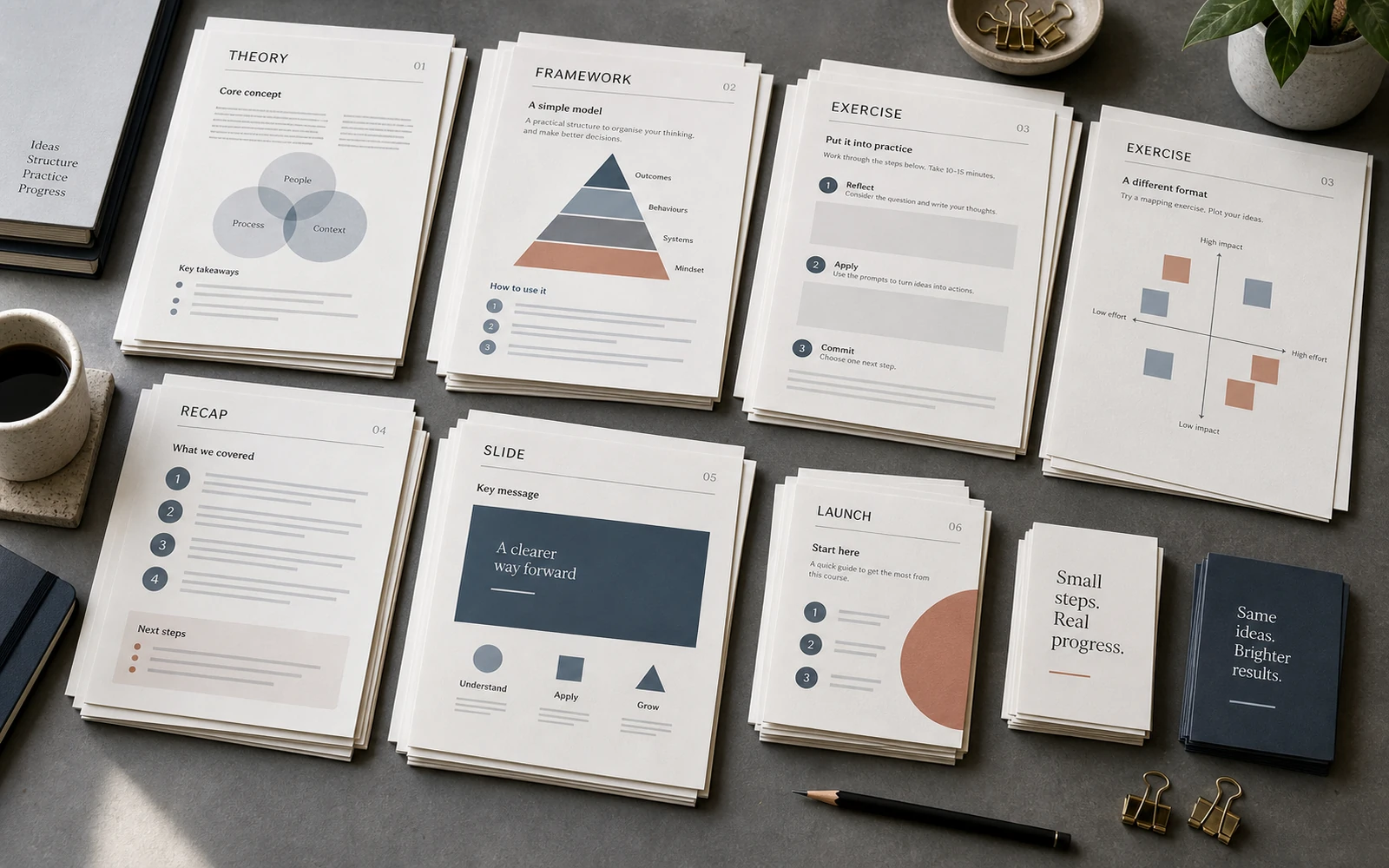
Look at the programme as jobs, not as a list of lessons. Where people read. Where they look at a model. Where they compare. Where they do the work. Where they recap. A candidate for a template is something that already repeats in a messy way — not an ideal catalogue of page types.
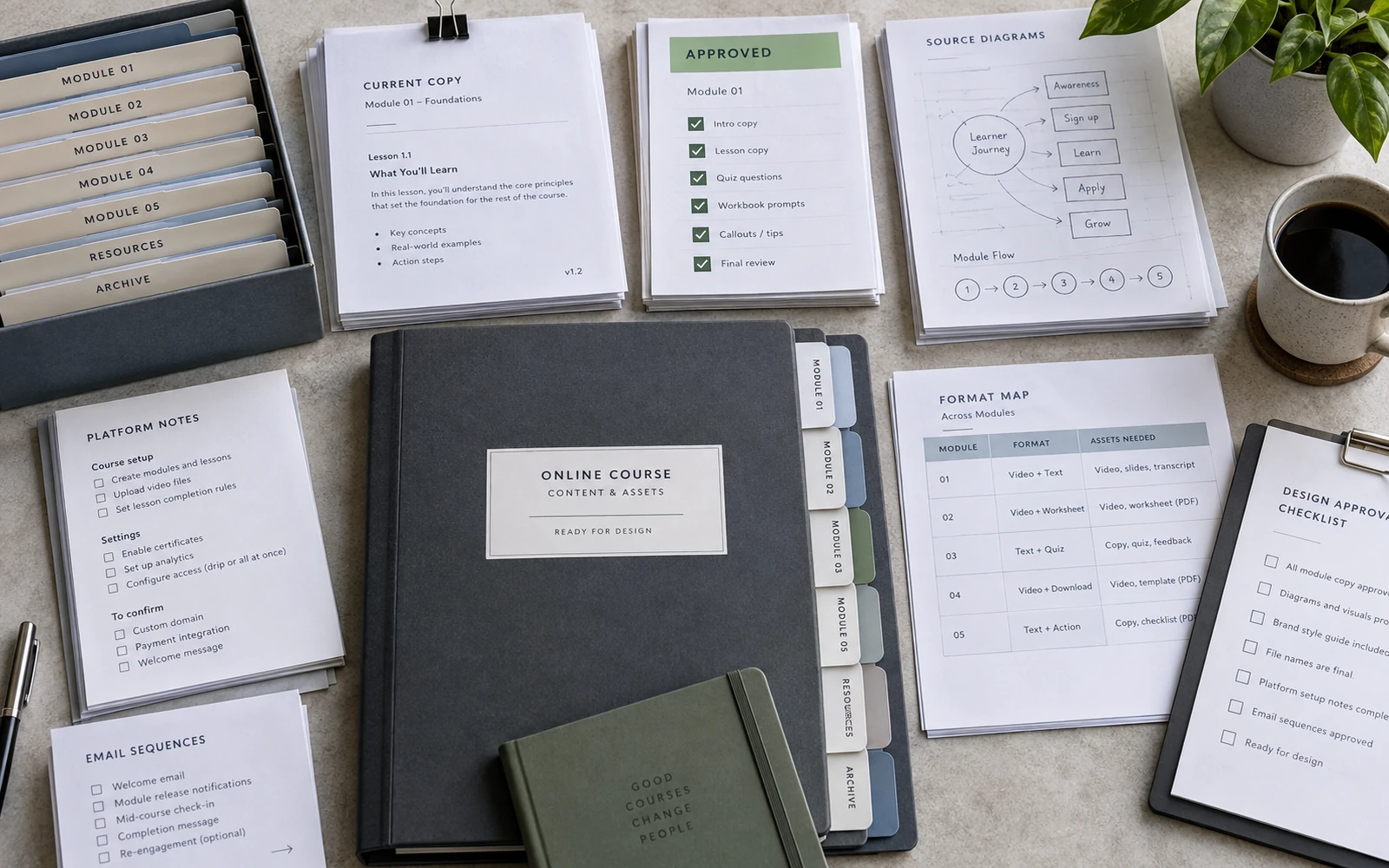
Open the files from the last cohort, not the brand book. Count how many “almost the same” layouts live under different names. There are often plenty of decorative variants, and one action sheet already worn down by revisions. For the launch, do not invent a separate taxonomy of frames. Mark which campaign jobs already exist as files, and which ones are drawn from scratch every time.
Build the smallest library that still works
A useful library is a compact set of flexible frames. Eight templates that can hold different content beat forty that only fit one lucky screen.
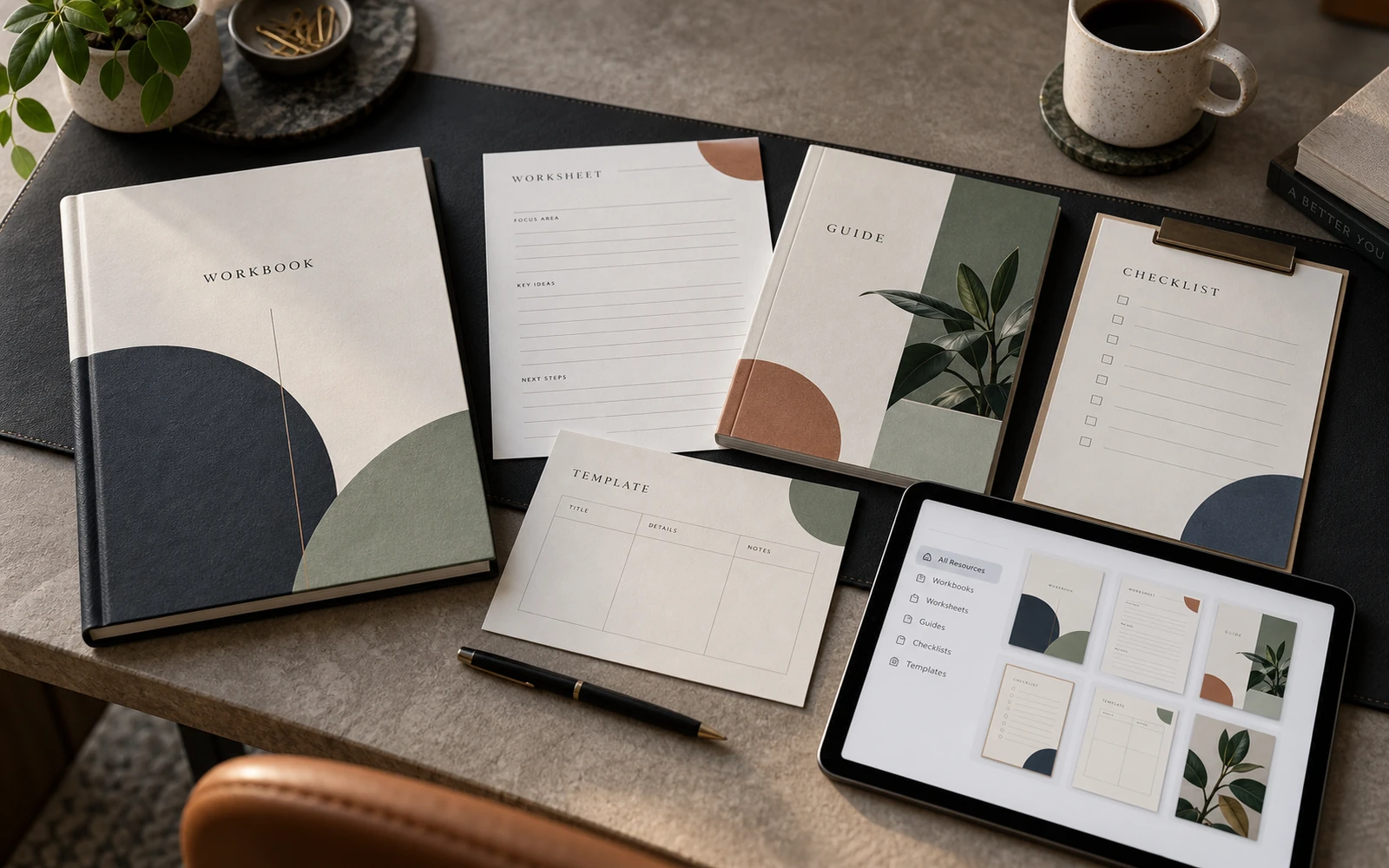
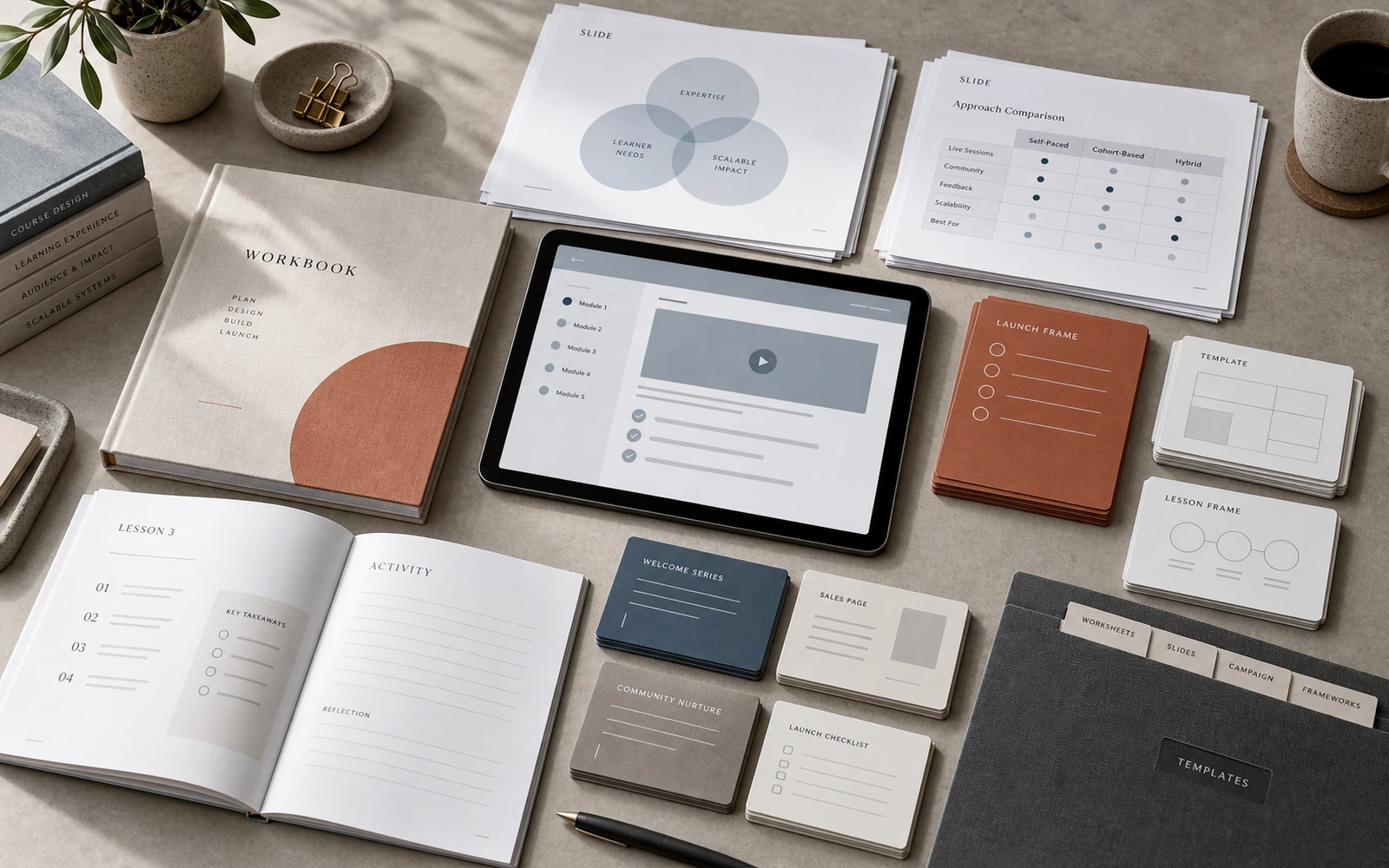
Most expert-led courses need a short core: a few workbook frames for different jobs, a few slide types, a few launch frames by function — not twenty “creatives.” Do not rebuild a full catalogue of learning pages here. Take only what the inventory already showed as a repeat. Each template has to survive longer copy and shorter copy. If it only lives with two lines of text, it is a poster, not a course frame.
Flexibility does not mean everything is allowed. It means that inside protected roles the content can be shorter or longer, with a table or without, with a diagram or a quotation. The frame holds. The filling can breathe.
Decide what may change — and what may not
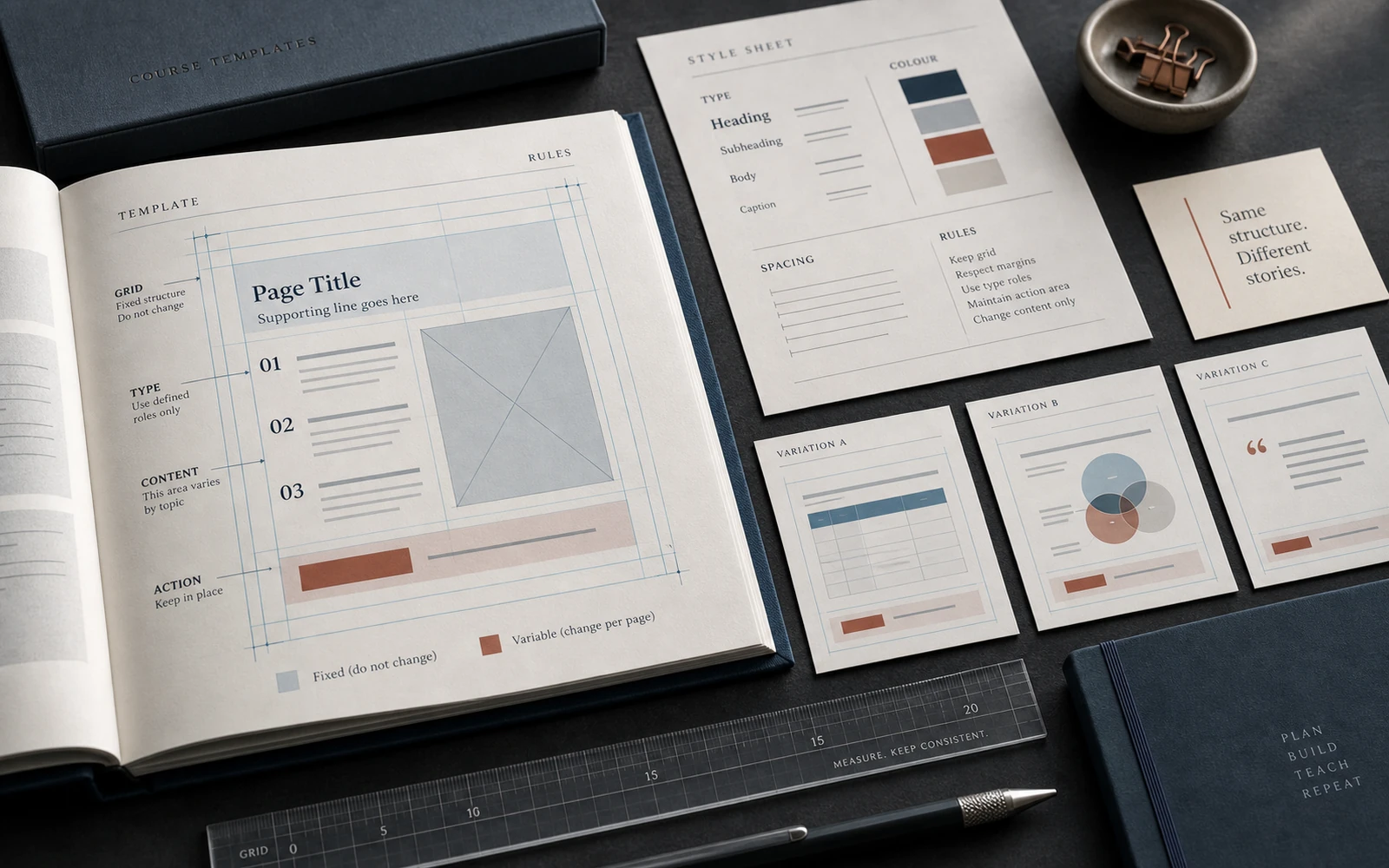
A library falls apart where there are no prohibitions. Without them, every new module “improves” the file a little: a different inset, a new accent, a diagram in another logic, an action button that exists nowhere else. One by one it looks like care. Together it is a loss of language.
Protect hierarchy, margins, type roles, how steps are labelled, and where action sits on the page. Leave free the examples, imagery within an agreed character, the density of a given module, and local accents that do not rewrite the system. The team needs to know the difference between varying the content and varying the frame.
Write the rule somewhere short: on the template cover, in the first line of the note, even in a layer name. What matters is that it lives next to the file, not only in the head of the person who “remembers how we did this in March.”
A template only scales when it protects structure and leaves room for content — not the other way around.
Make the templates usable by a real team
A file without instructions works while the author is the only user. A team needs more: a naming rule, an owner of the master, a filled example, a version mark, a short quality check before anything goes out.
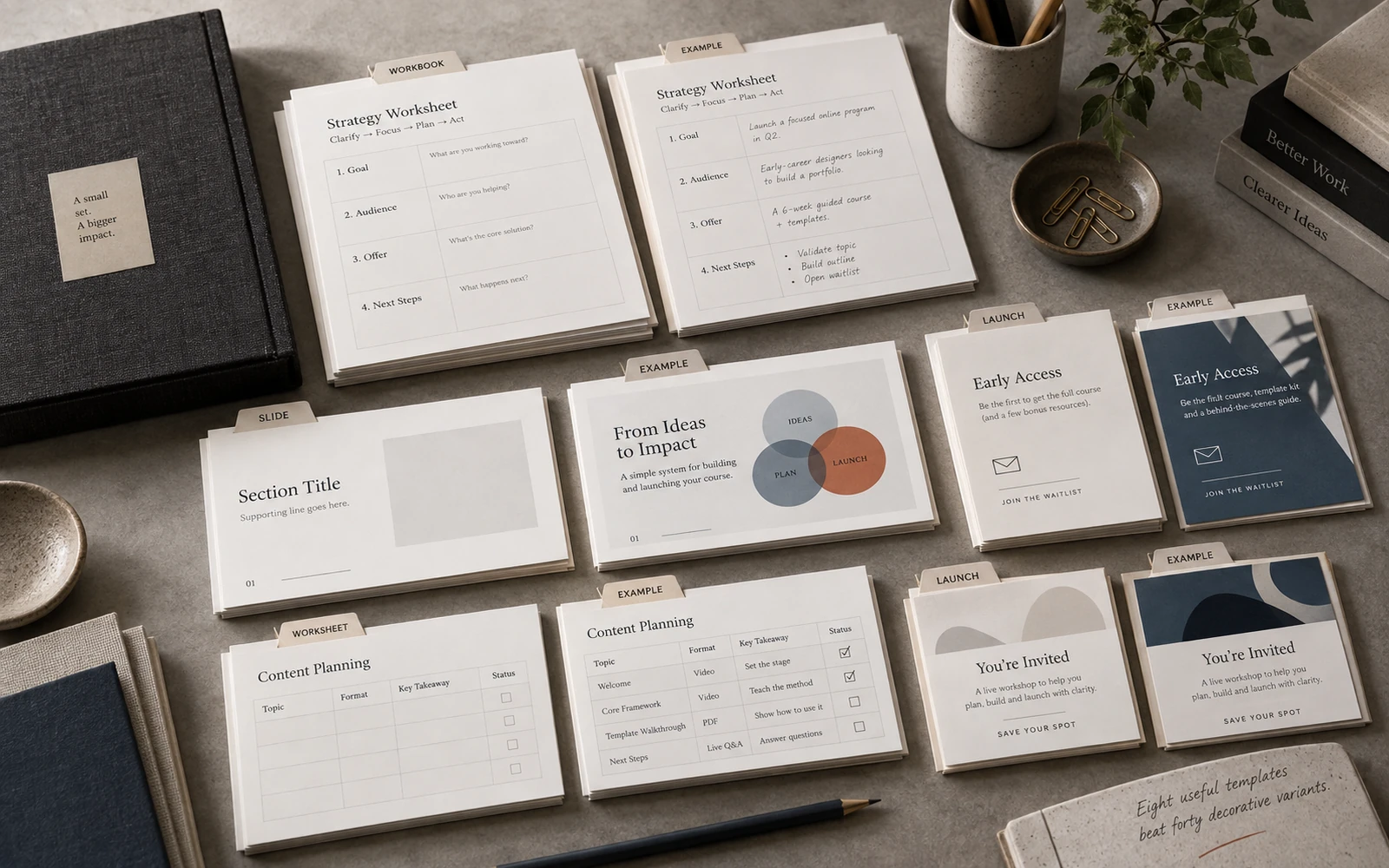
Names should describe the job, not the mood. WB-04-worksheet, not New-final-2. Slides by their role in the lesson. Launch frames by their job in the funnel. Then, on deadline, nobody reaches for “the nicest one.” They take the right type.
A filled example inside the template matters more than empty boxes. Show what normal density looks like, how a long subheading behaves, where a diagram should not go. A short check before release: is the action in place, is the hierarchy intact, does the module name match the slide and the platform. That is not bureaucracy. It is how you avoid scaling a mistake.
Test the library on content it has not seen
Do not test the set on the lesson you pulled the templates from. Take an unfamiliar module and one new launch message. Build both with the files you already have, and no “one more exception.”
If it fails, find the reason first. A new job the inventory never covered is a reason to add one type. A longer paragraph is a reason to soften the frame, not to breed more layouts. If someone still builds the lesson as a unique piece of art, the library exists as a folder, not as a working set: the names, the filled example and the check before release have not yet become habit.
Discuss your course