Strong design will not rescue files scattered through chats, unfinished modules and exercises with no instructions. This is not the designer’s process from audit to handing over a system. It is what the expert gathers before a layout is opened: where the truth lives, what is approved, and what each block is for.
Readiness does not mean every sentence is immortal. It means you know what can be set, what will still change, and who has the last word on the copy.
Why this belongs before the layout
If a section disappears tomorrow and another model appears, the page is built twice. A content change then disguises itself as “nudge that heading.” Mark statuses in advance, and the designer is not co-editing the curriculum without a mandate.
Make a single source of truth
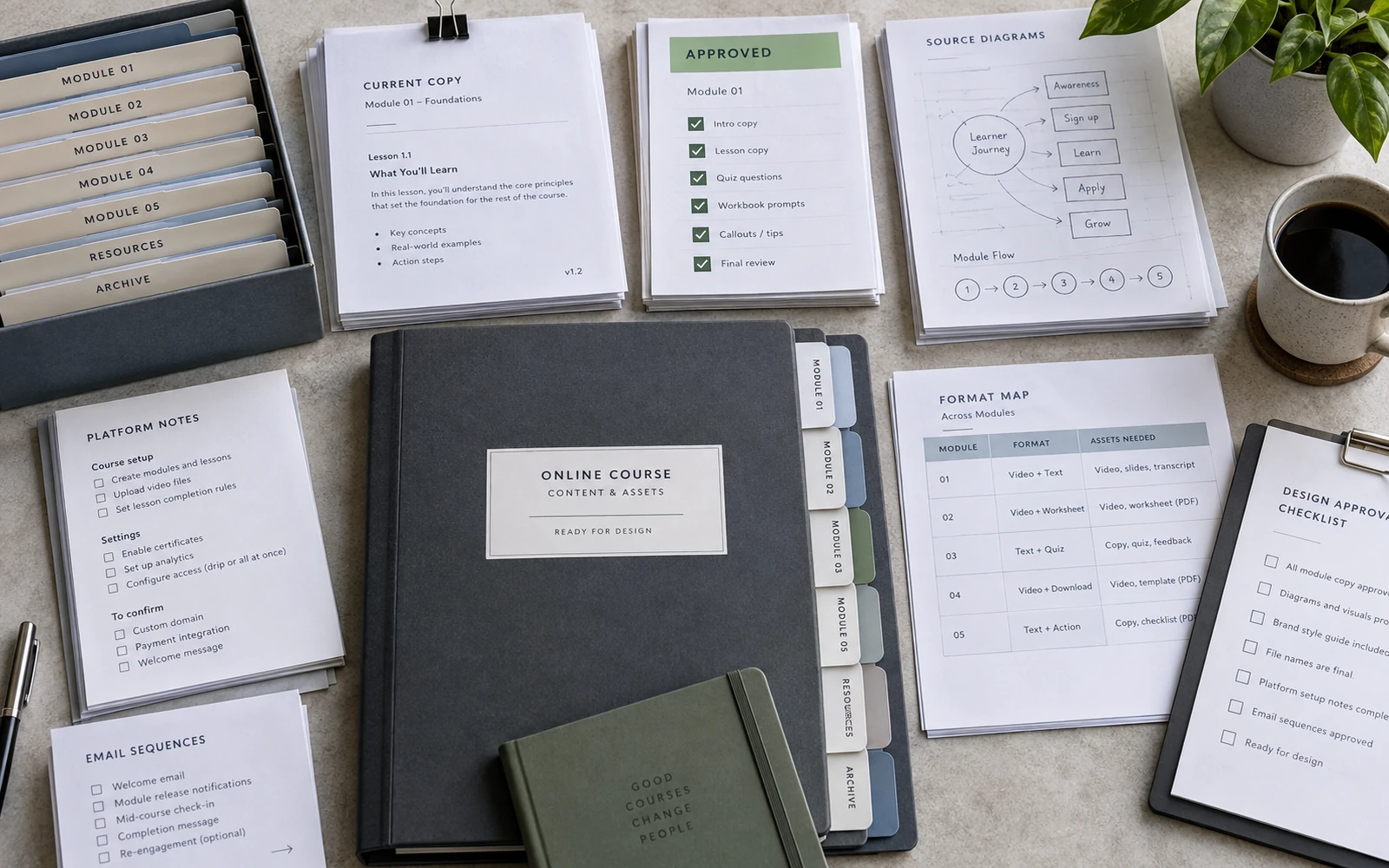
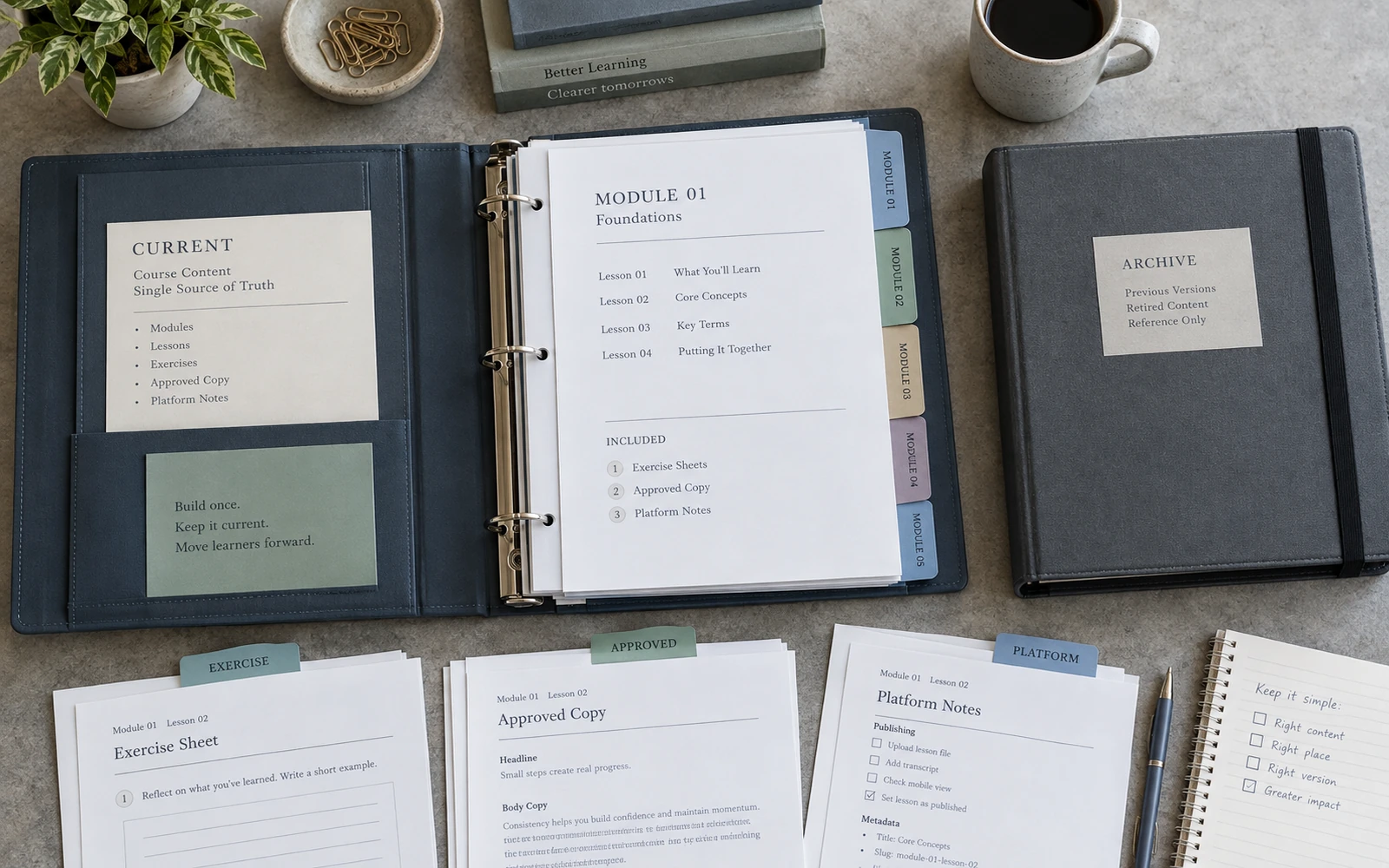
One folder. One naming logic. One document, or set of documents, where the current module copy lives — not in five Google Docs and three chats. Lessons, exercises, links, approved wordings of models, service copy for the platform and emails. An archive separate, so old versions cannot pose as current ones.
The structure can be simple: module / lesson / attachments / a note on status. The principle matters more than a beautiful drive: someone opening the project for the first time finds the truth without a tour of the correspondence.
Name an owner of the folder. If anyone can overwrite “current” with no rule, the source of truth falls apart again. Design is then built on sand, even when the sand is well labelled.
Label the job of each block
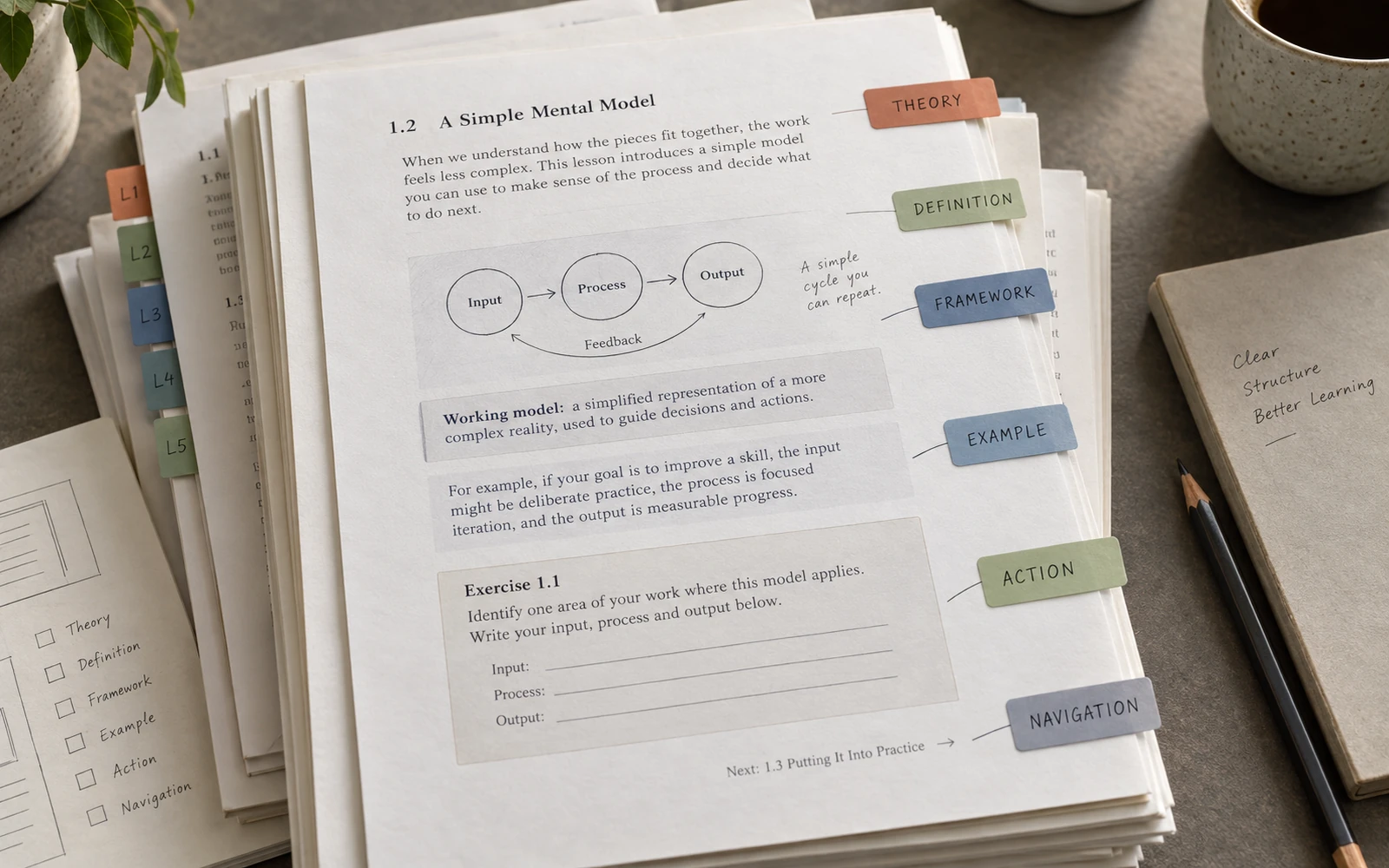
Before layout, it should be clear what a paragraph is. Theory. Example. Definition. Framework. Action. Reflection. Navigation. A service instruction. If everything looks like continuous prose, the designer has to guess. Sometimes they guess well. Sometimes they build a handsome page for a job the lesson never meant.
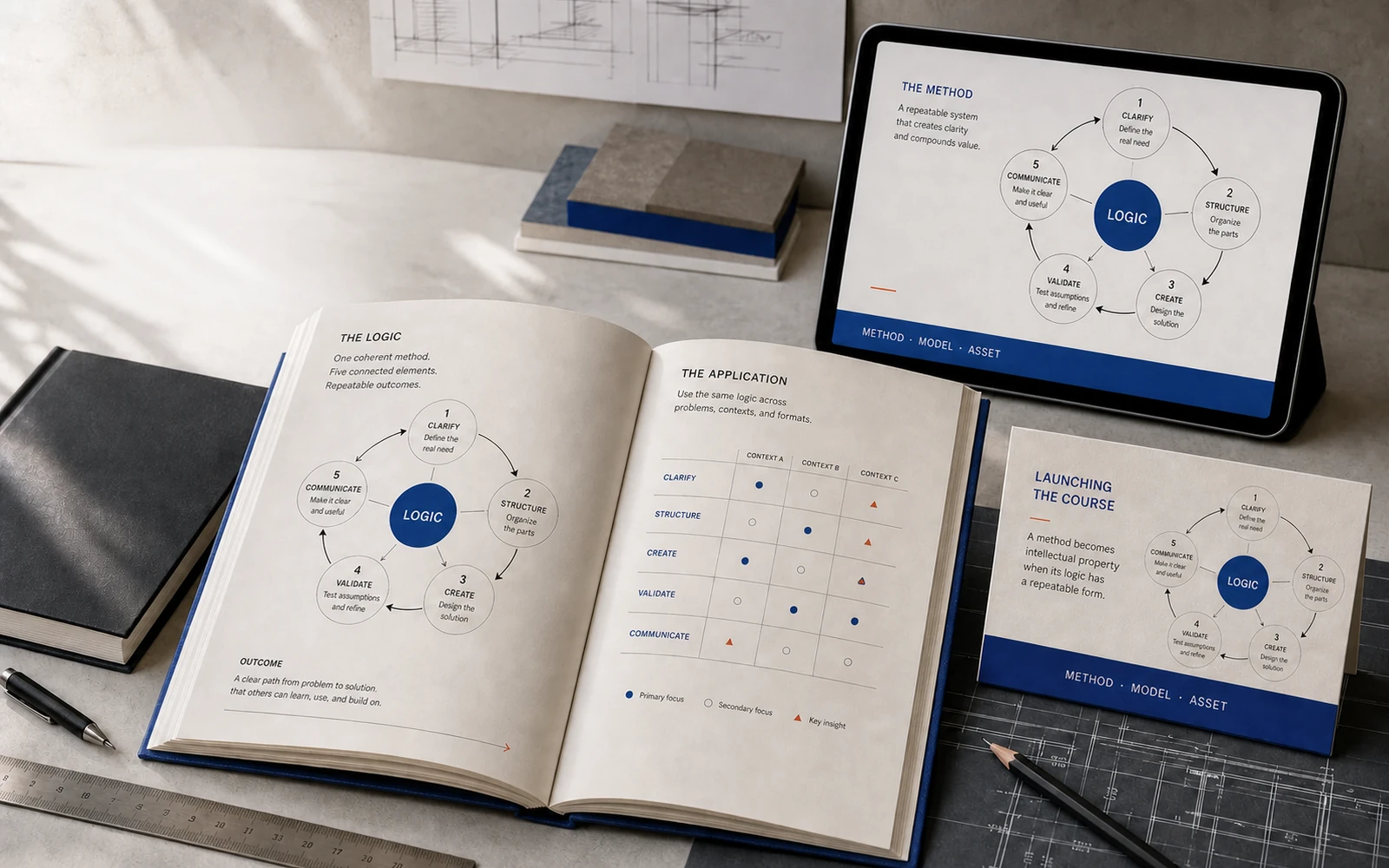
The marks can be simple: a colour in the document, a short tag, a comment — “this is an exercise, 10 minutes, fields for three answers.” For diagrams: which label is a step of the method, and which is an example. For slides: what the person should see, and what they should only hear.
This is not about turning the expert into a designer. It is about making the intent of the lesson visible before the grid. Otherwise the grid will impose an intent of its own.
Map “this block → this surface”
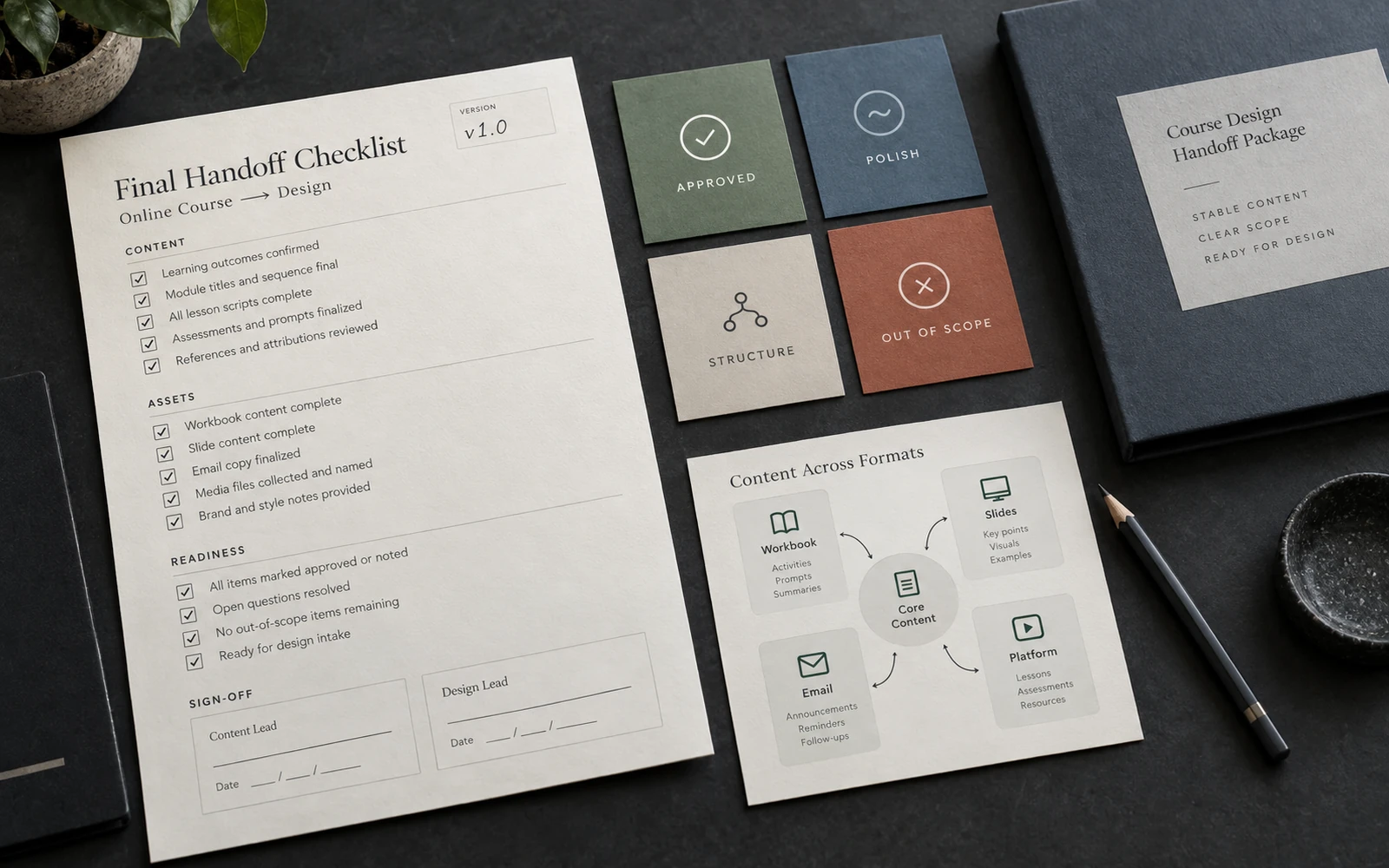
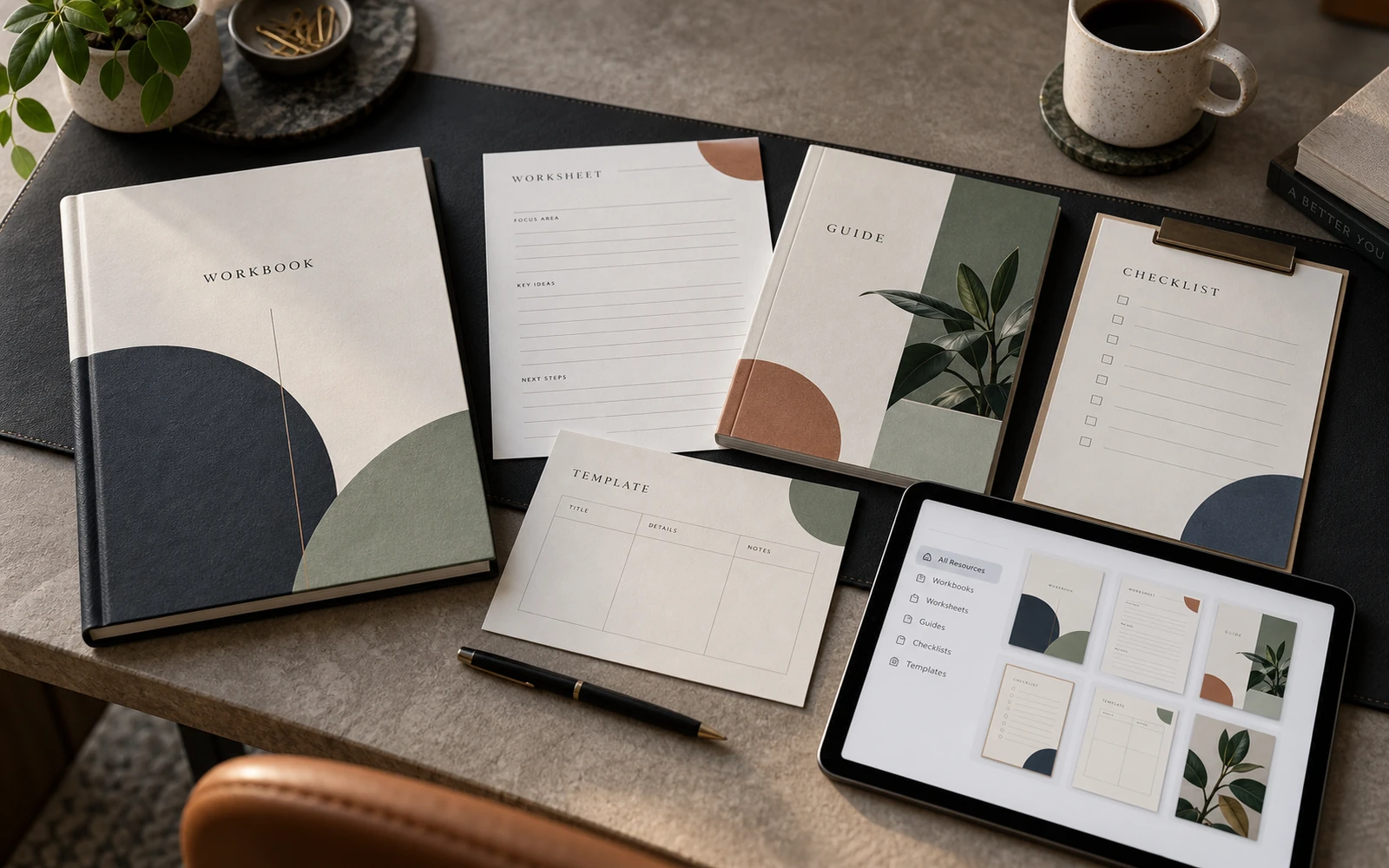
Do not describe the whole course ecosystem. Fill a simple handoff table: this copy goes in the workbook, this only on a slide, this in an email, this stays spoken in the video. That is how you avoid two layouts of the same model, and an offer that promises a template that is not in the folder.
Keep the names in the table aligned with the names in the lesson. A different name for the model on the map and in the copy is already a handoff error, not a design error.
Design does not begin when the file is opened. It begins when you know what will not change tomorrow morning.
Gather diagrams and source files
Collect the data, labels, logos, image rights, rough sketches of diagrams. You do not need to “design” them into a final look yourself. You need not to hunt later for whether a photograph can be used, what a step is actually called, or where the numbers in a table came from.
A rough diagram from the expert is valuable even as a photo of a whiteboard. It shows the logic. A polished drawing without that logic will be invented by the designer — and you will get a beautiful untruth. Better an honest sketch than a false clean version.
Partner logos, type licences, platform cover specs belong in the handoff too. If they arrive at the end, the system breaks again under someone else’s proportions.
Walk a final handoff checklist
Before layouts start, write down only the entrance to the project. The scope of this phase. The status of each module: approved / wording can still be polished / structure will still change. Who signs off the copy. Who signs off the visuals, and how many rounds. Where the source of truth lives. What is deliberately out of scope: sales copy, translation, video.
This is not handing a design system to the team after delivery. It is a package without which layout should not start. An hour on the checklist saves weeks of “we already set the thing you cut yesterday.”