A successful course often outgrows its first design long before the content goes stale. New modules appear, a different platform, another sales tone, different learner expectations. Files pile up. What once felt “tidy enough” starts to look like several generations of the product in one folder. Redesign here rarely means throwing everything away. It means finding the system underneath and improving it in controlled stages.
A full rebuild is tempting because it promises a clean start. It is expensive, slow, and often destroys what learners already know how to use. A smarter path: separate content problems from form problems, keep what works, set a new foundation on a few existing files, and migrate the rest in launch order.
Separate content problems from design problems
Not everything that “looks dated” is a design task. Sometimes a module needs cutting, an exercise needs rewriting, the lesson order needs rebuilding. If you do not name that, redesign becomes an expensive way to typeset unfinished content.
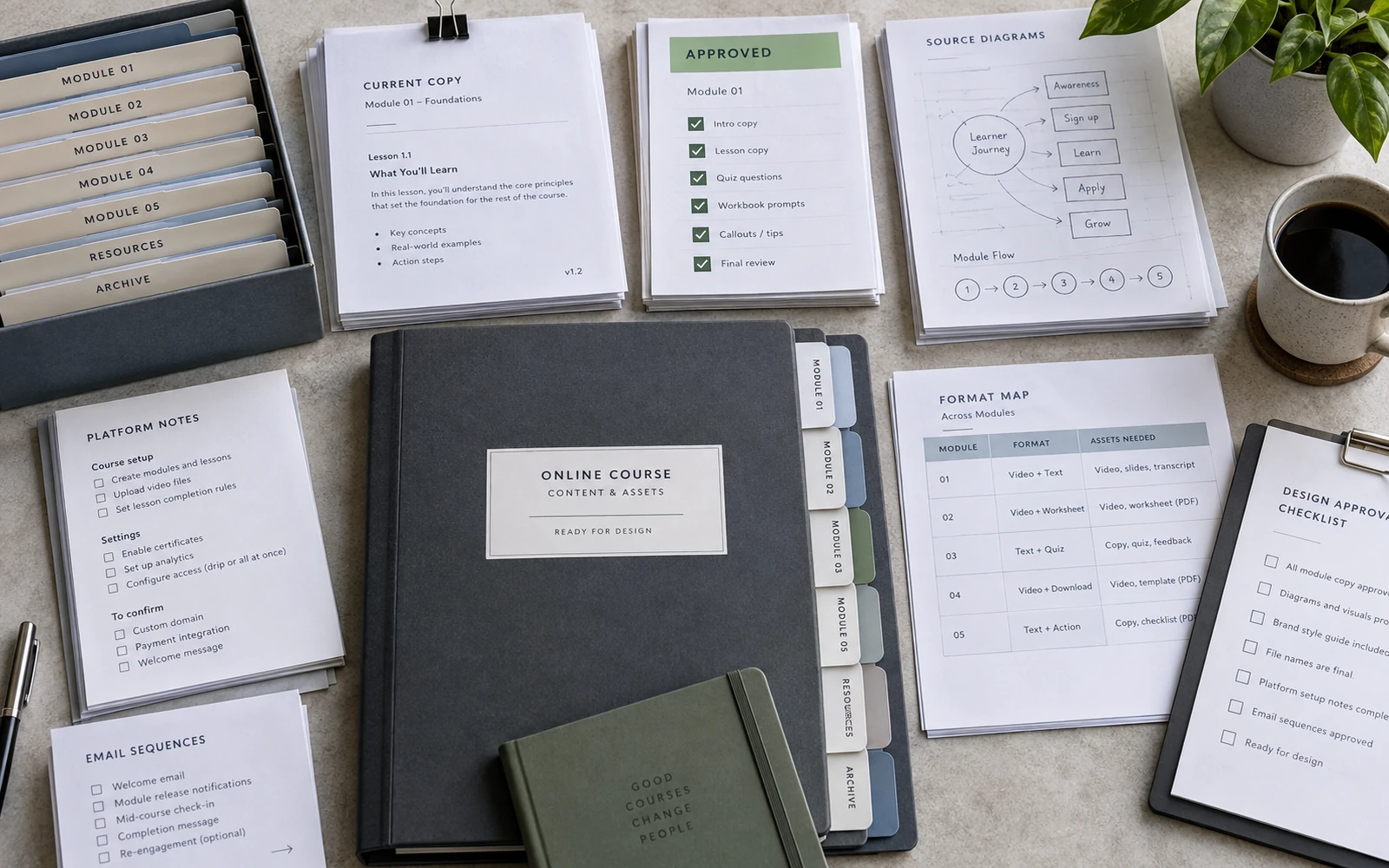
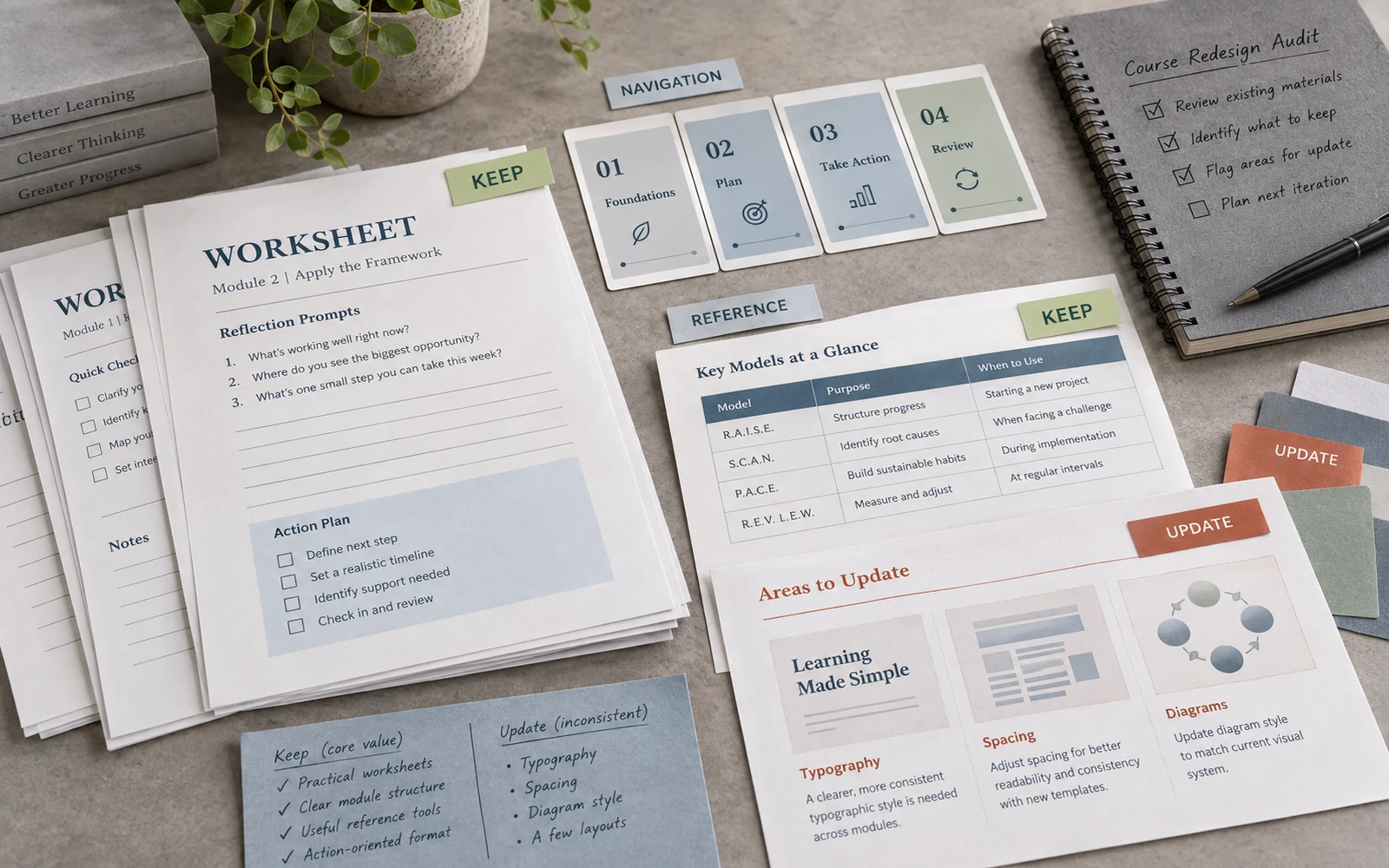
Walk the materials with three labels. Edit: the copy is nearly ready; it needs clarity and hierarchy. Restructure: the knowledge is there, but the job of the page or the lesson is wrong. New format: what is now a slide should be a worksheet, or the other way around. Visual alignment: the content works; only the language differs — margins, types, diagrams, covers.
That sorting shrinks the job at once. You can see where the expert is needed, where the designer is, where both are, and where a file simply needs to meet a rule you have already accepted. Without it, the team starts “updating everything” because everything is slightly annoying.
Find what learners already use
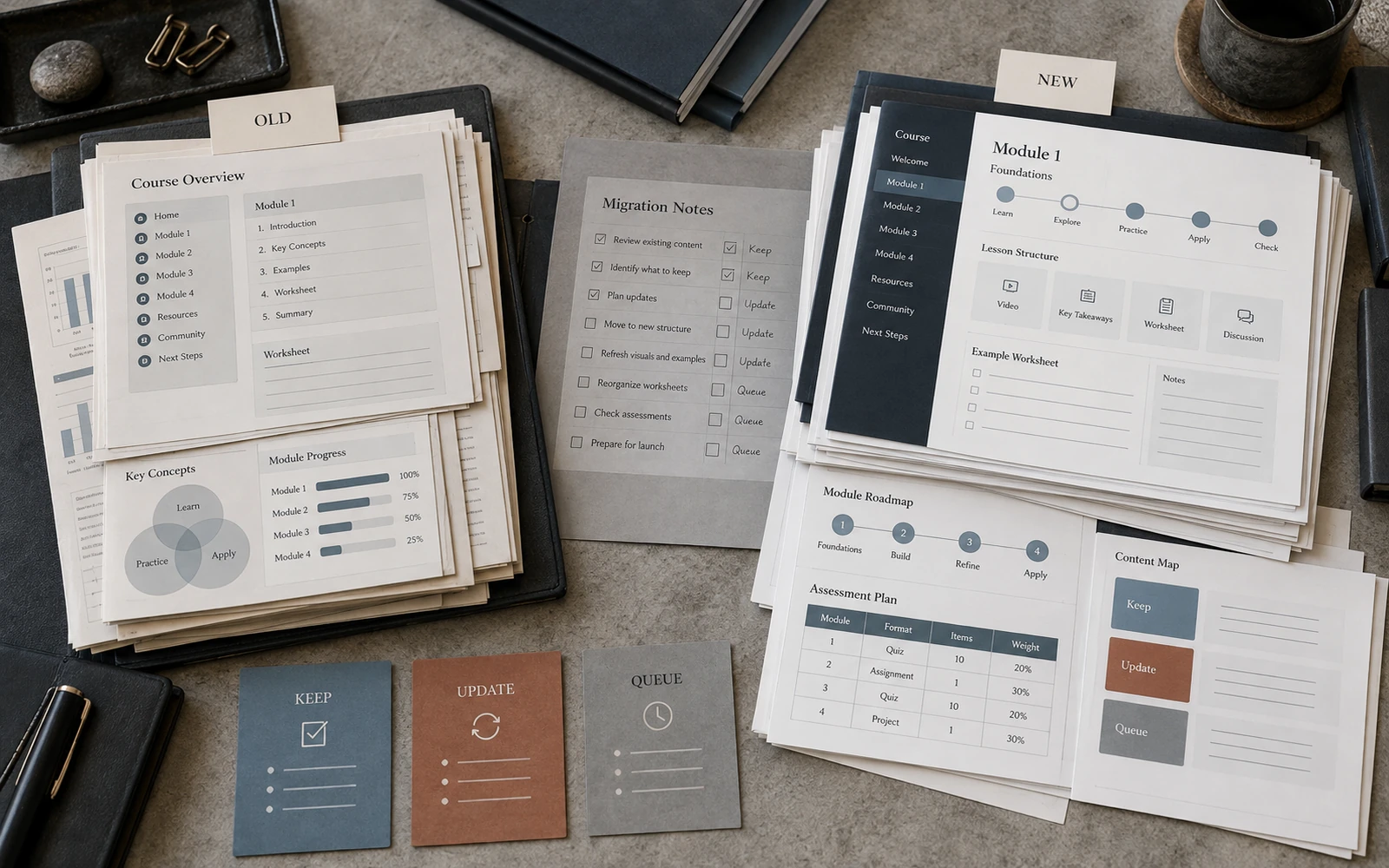
Before you draw a new system, know what in the old one already has value. Worksheets people print. Familiar module numbers. A table they return to after the lesson. The wording of a model that already lives in the community. That is not nostalgia. It is learning infrastructure.
A redesign that breaks familiar navigation for no reason adds friction even when the new look is “better.” A learner in the second cohort is not scoring your brand book. They are looking for the same exercise and do not want to relearn how to use the course.
Keep what has proven useful, and carry it into the new language — not into a new ritual. Sometimes it is enough to align type and grid and leave the page structure. Sometimes the page really does need rebuilding. Then that is a decision, not a side effect of “we’re redoing it all anyway.”
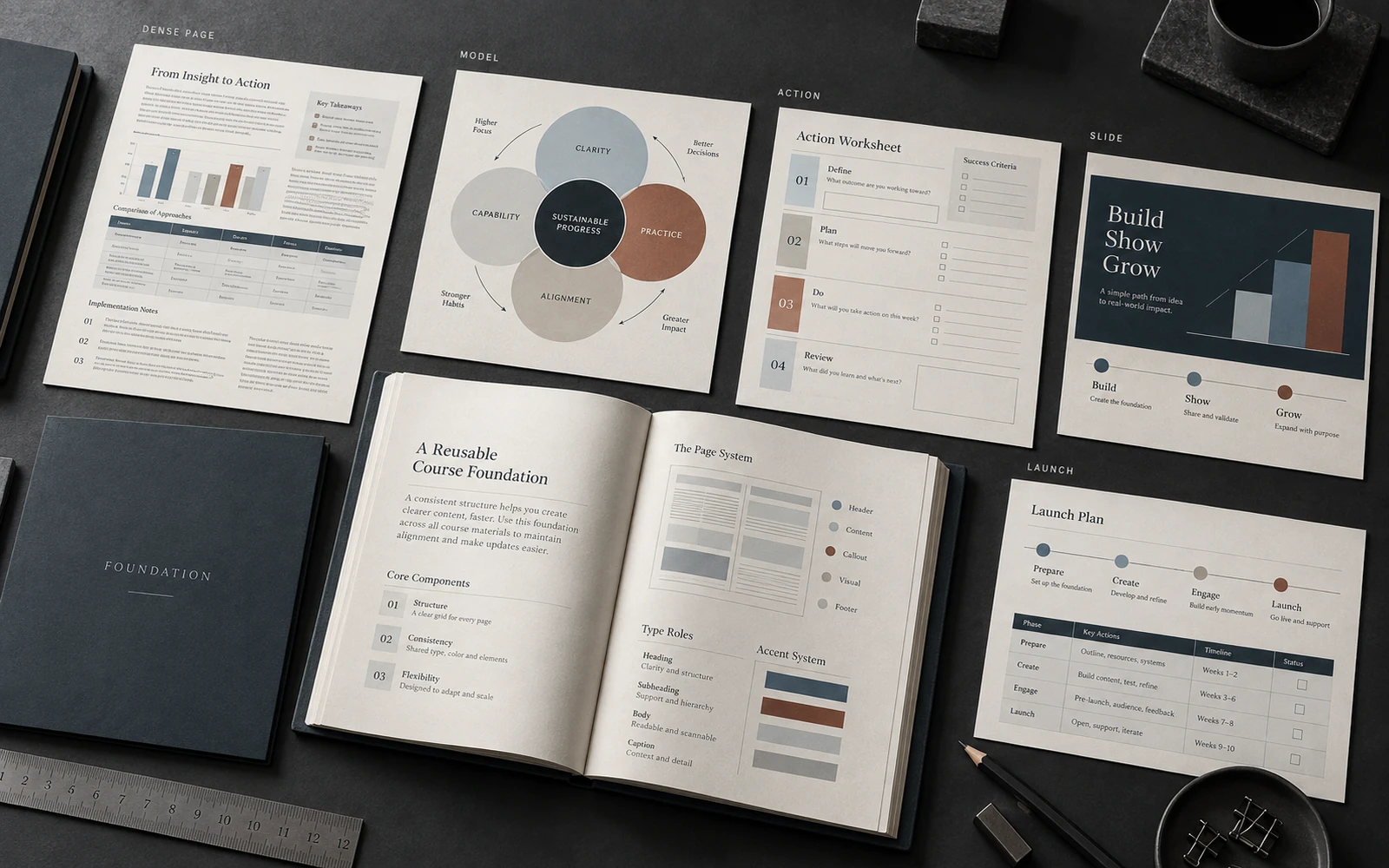
Set the foundation on files you already have
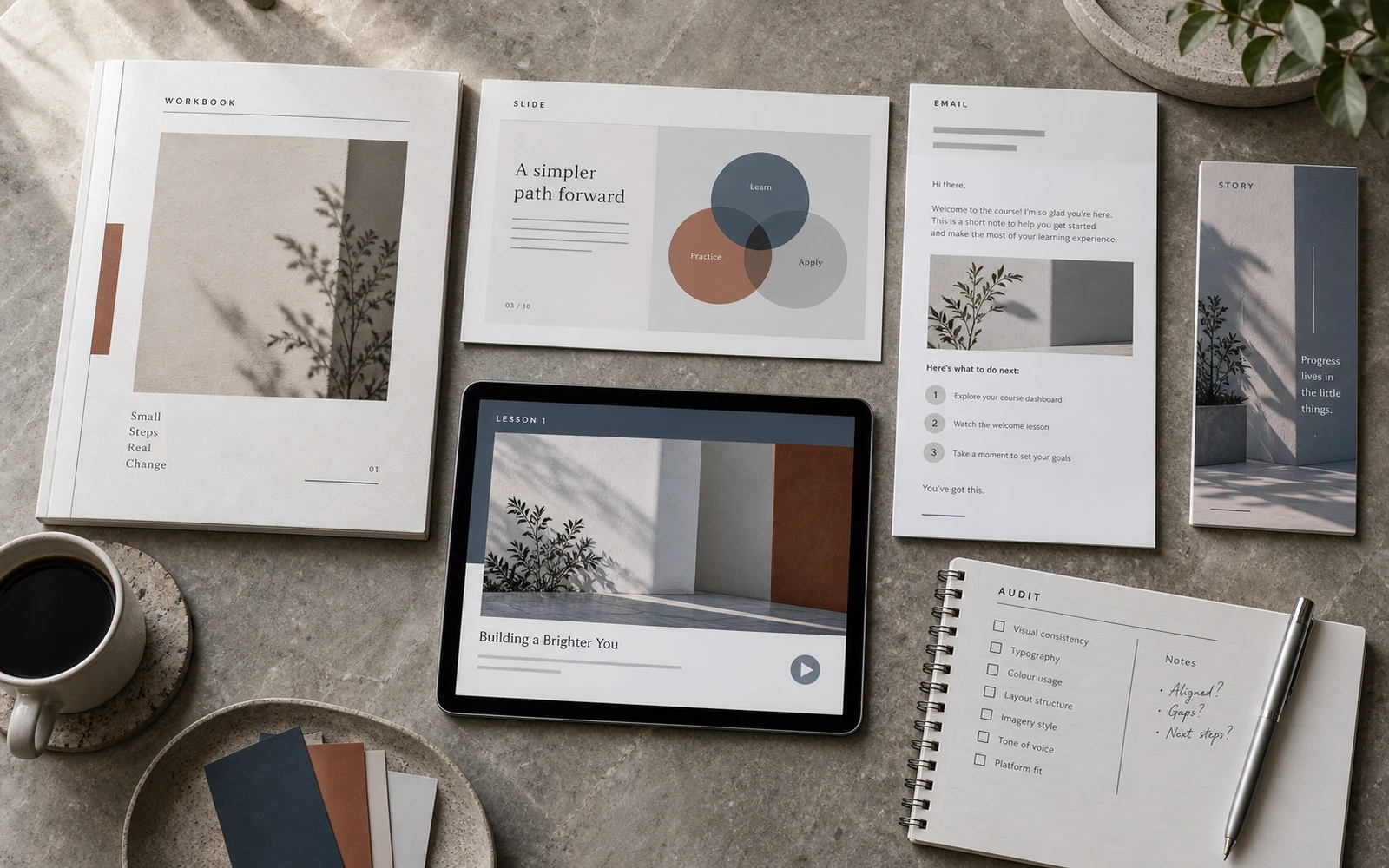
Do not draw a full catalogue of screens. Take five existing surfaces of different density — a dense page, a model, an action, a lesson slide, a launch frame — and bring them onto the new rules. If those five already argue with one another, it is too early to touch module 7.
Redesign fails when covers and stories are updated and the core stays in the old logic. The migration test: rebuild the densest old lesson on the new rules. If the action becomes easier to see, you can roll the foundation out. If not, you are still painting, not moving.
Update the highest-impact points first
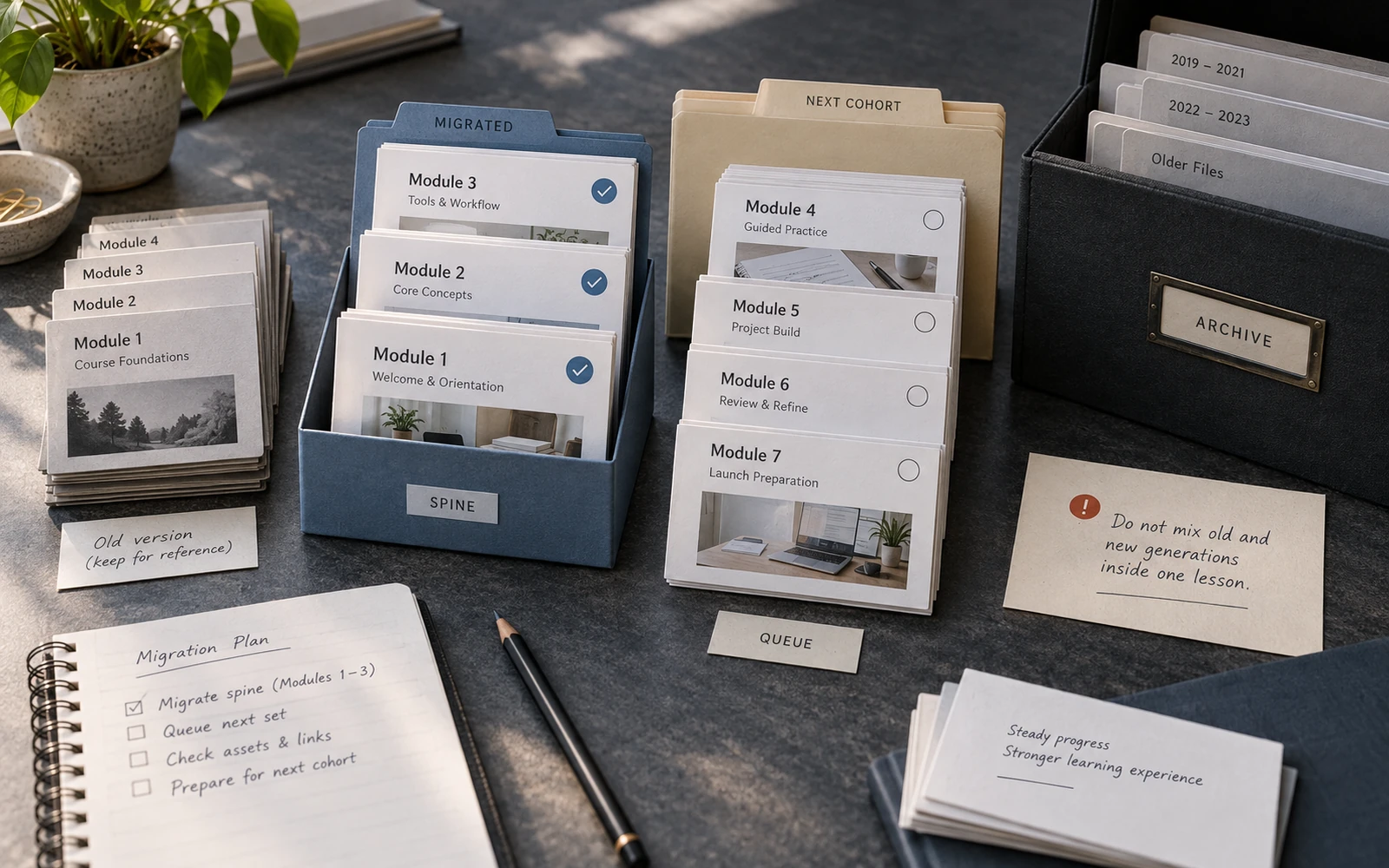
You do not have to change everything before the next launch. Start with the spine a learner meets on the first evening of the new cohort: the offer, the access email, the first module. Module 7 can wait in the old grid if the handover rule is clear: do not mix two generations inside one lesson.
A thin layer of “refresh everything a little” is almost invisible. The spine is visible from the first evening.
A redesign works when the new character shows up where the learner already meets the product — not only in an archive of layouts.
Keep a status map, not a new folder of chaos
After the spine, make a queue: what comes first in the next cohort, what learners open most, what clashes the most. An honest date beats “we’ll get it all done.” Old files either wait or get a minimum — titles and a cover — without a full rebuild.
Write down what has already moved. Otherwise, a month later nobody knows which PDF is “the new one.” This is not a template library and not a naming system for the future. It is a migration map, so the redesign does not become a second generation of chaos in a different palette.
A redesign is finished when the course can grow inside an accepted language, even if some modules are still in the queue. Then you are not starting from zero every year.